Google Local Service Ads Testing Hidden Phone Numbers Until Hover
A new interface test introduces friction for voice-lead businesses, potentially signaling a shift toward messaging and internal scheduling tools.
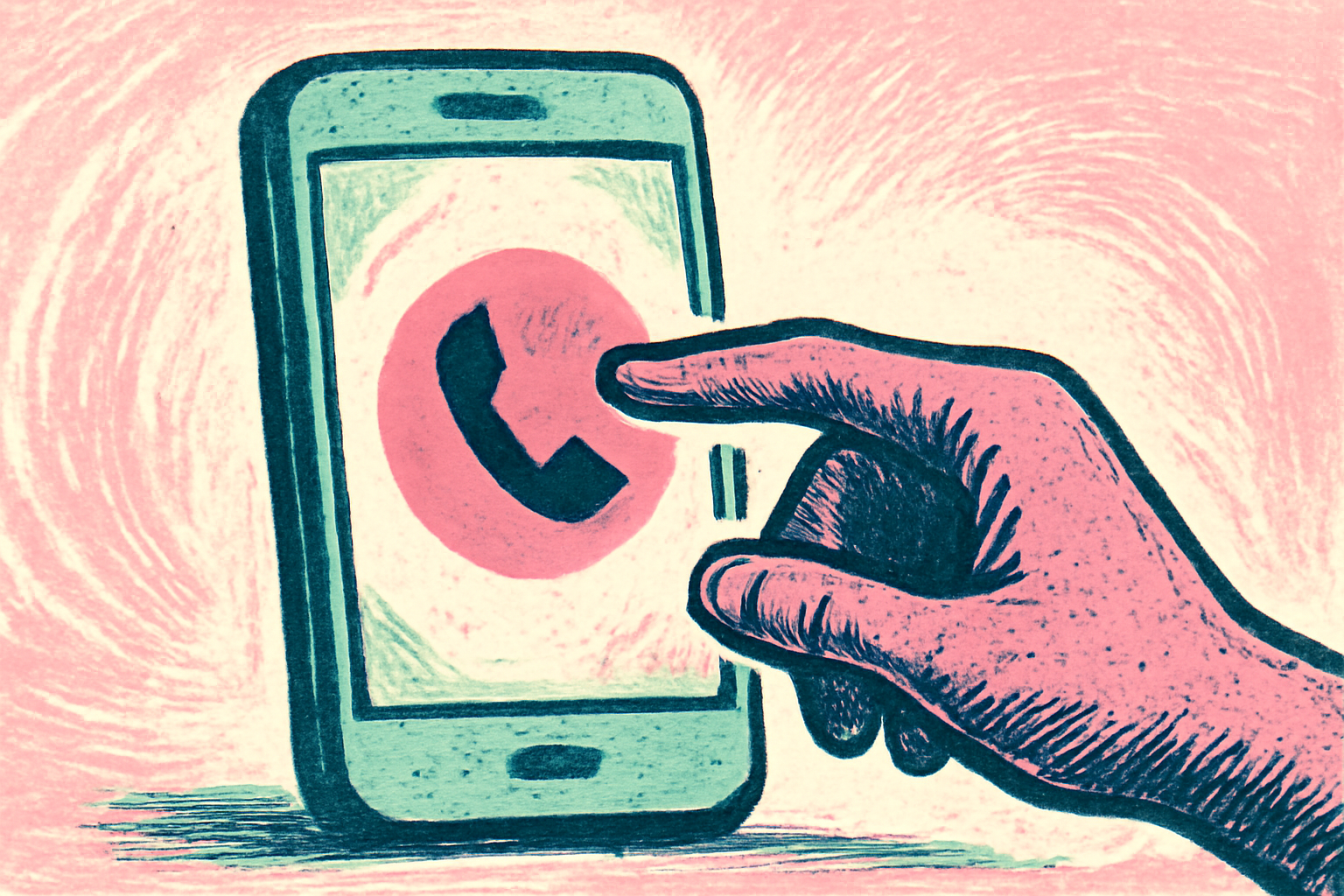
Google has begun testing an interface change for Local Service Ads (LSAs) that obscures a business's primary contact information behind a manual interaction, according to reports from early October 2024. The search giant is replacing the direct display of contact digits with a "Get phone number" button, which only reveals the full number when a user hovers their mouse over the specific ad unit.
For years, the LSA unit has been the crown jewel for high-intent local queries, such as "emergency plumber" or "locksmith near me," where a visible phone number allowed for immediate dialing. This new layer of friction represents a significant departure from the previous layout where numbers were static and immediately actionable. We view this as a potential effort by Google to better track intent or to steer users toward alternative conversion paths that offer more granular data points for their attribution models.
Why is Google masking the Google Local Service Ads phone number?
This test likely serves two distinct purposes: data precision and product steering. By requiring a hover or click to reveal a number, Google can more accurately measure active interest versus passive viewing. In the traditional model, a user might see a number, dial it manually on their handset, and leave Google with no clear 'click' data to attribute the lead, even if the call was tracked via a forwarding number. This "leakage" makes it difficult for Google to prove the exact value of an ad impression if the user doesn't physically click the call button.
Furthermore, this change introduces a micro-moment of friction that may encourage users to utilize the "Message" or "Schedule" buttons instead. For a 12-location HVAC operator, this shift could be disruptive. If users find the extra step of hovering or clicking for a phone number cumbersome, they may default to the messaging interface, which keeps the entire transaction within the Google ecosystem and provides the platform with richer data on response times and conversion outcomes. The move signals a shift from a directory-style listing to an active lead-management platform.
Impact on conversion rates and Google Local Service Ads phone number behavior
Whenever friction is added to a high-intent conversion path, a drop in immediate actions is expected. However, the quality of the lead might increase. If a user is willing to click "Get phone number" or hover to reveal the digits, they are signaling a higher level of intent than someone merely browsing the results page. A dental practice in Leeds, for instance, might see a decrease in total profile impressions that result in a call, but those who do call may be further along in the decision-making process.
Compared to how this worked before, where the number was available at a glance, the new UI forces a conscious choice. This is similar to how Yelp and other lead-generation platforms have historically masked data to ensure they can capture the exact moment a user decides to contact a professional. "If we can't see the number, we can't measure the immediate pull-through of the ad copy," notes one veteran agency account manager. For businesses, this means the visual elements surrounding the button—such as the Google Guaranteed badge and the proximity to the user—must work harder to earn that initial interaction.
Is this a permanent shift for Local Service Ads?
While currently a test, the move aligns with Google's broader strategy of becoming an "action engine" rather than just a search engine. By controlling the point of contact, Google can more effectively sell its internal booking and messaging tools. If the test shows that users are willing to adapt, we expect to see this become a standard feature across all LSA categories globally.
Historically, Google has tested similar friction-based UI changes in the standard Search Engine Results Pages (SERPs) before rolling them out to specialized units like LSAs. The transition toward a "walled garden" where user data remains within Google's purview is a long-documented trend. For local operators, this means the days of relying on "easy" phone leads without engaging in Google's secondary features may be coming to a close.
What this means for local businesses
- Monitor Lead Volume: Operators should closely track their LSA dashboard for any discrepancy between "Profile Views" and "Phone Leads" to see if the hover requirement is causing a drop-off in high-intent industries.
- Enable Alternative Lead Channels: Ensure that "Message" and "Booking" features are active in the LSA dashboard. If Google makes it harder to call, you must be ready to respond to texts within minutes to maintain your ranking and responsiveness score.
- Optimize Visual Cues: Since the phone number is now hidden, your star rating, review count, and "Google Guaranteed" status are the only things that will earn that hover interaction. High-quality photos of your team and vehicles are more important than ever.
- Audit Mobile vs. Desktop: This specific hover behavior is a desktop-centric test. Ensure your mobile LSA experience—where "Call" buttons are still native and often more prominent—remains optimized for one-tap dialing.
- Review Attribution Logic: If you use third-party call tracking, ensure your software can handle the attribution if a user hovers but doesn't click. You may need to cross-reference LSA platform data more frequently to get a true picture of ROI.
FAQ
Does this change affect mobile LSA listings?
Currently, the "Get phone number" hover interaction is primarily observed on desktop browsers. On mobile devices, Google continues to utilize prominent "Call" buttons that trigger the phone's native dialer. However, businesses should be aware that Google often tests features on one device type before standardizing the UI across all platforms. If this test proves successful in driving users toward messaging, a mobile variant—perhaps requiring a tap to reveal the number—could follow. We recommend checking your mobile LSA appearance weekly to monitor for these specific changes.
Will I still be charged the same for LSA leads?
Google's charging model for LSAs is based on valid leads, not impressions or clicks. If a user hovers to see the number but does not actually call or message you, you should not be charged. However, this UI change could indirectly affect your costs by changing the volume of leads you receive. If the friction reduces the number of calls, you may see a lower monthly spend, but potentially a higher cost-per-acquisition if the conversion rate from "hover" to "booked job" is lower than the previous "static number" conversion rate.
How can I see if my business is part of this test?
Because Google often runs A/B tests on a per-user or per-region basis, you may not see the "Get phone number" button when searching for your own business. To check, use a desktop browser in an incognito window and search for your primary service keywords (e.g., "roofing contractor near me"). If your LSA listing shows a button instead of a phone number, you are part of the test group. We recommend asking employees or friends in different zip codes to perform the same search to see how widespread the UI change is for your specific market.
Does hiding the phone number impact my Local SEO ranking?
This specific change applies to the paid Local Service Ads unit, not the organic Local Map Pack or standard search results. While it does not directly impact your organic SEO ranking, it may change user behavior on the page. If users find the LSA unit more difficult to use, they might scroll down to the organic Map Pack where phone numbers and website links are still readily available. Businesses should ensure their Google Business Profile is fully optimized to capture any traffic that "bounces" away from the LSA unit due to this new friction.
Sources
Frequently asked questions
- Does this change affect mobile LSA listings?
- Currently, the 'Get phone number' hover interaction is primarily observed on desktop browsers. On mobile devices, Google continues to utilize prominent 'Call' buttons that trigger the phone's native dialer. However, businesses should be aware that Google often tests features on one device type before standardizing the UI across all platforms. If this test proves successful in driving users toward messaging, a mobile variant—perhaps requiring a tap to reveal the number—could follow. We recommend checking your mobile LSA appearance weekly to monitor for these specific changes.
- Will I still be charged the same for LSA leads?
- Google's charging model for LSAs is based on valid leads, not impressions or clicks. If a user hovers to see the number but does not actually call or message you, you should not be charged. However, this UI change could indirectly affect your costs by changing the volume of leads you receive. If the friction reduces the number of calls, you may see a lower monthly spend, but potentially a higher cost-per-acquisition if the conversion rate from 'hover' to 'booked job' is lower than the previous 'static number' conversion rate.
- How can I see if my business is part of this test?
- Because Google often runs A/B tests on a per-user or per-region basis, you may not see the 'Get phone number' button when searching for your own business. To check, use a desktop browser in an incognito window and search for your primary service keywords (e.g., 'roofing contractor near me'). If your LSA listing shows a button instead of a phone number, you are part of the test group. We recommend asking employees or friends in different zip codes to perform the same search to see how widespread the UI change is for your specific market.
- Does hiding the phone number impact my Local SEO ranking?
- This specific change applies to the paid Local Service Ads unit, not the organic Local Map Pack or standard search results. While it does not directly impact your organic SEO ranking, it may change user behavior on the page. If users find the LSA unit more difficult to use, they might scroll down to the organic Map Pack where phone numbers and website links are still readily available. Businesses should ensure their Google Business Profile is fully optimized to capture any traffic that 'bounces' away from the LSA unit due to this new friction.
Follow us in Google
See Map Observer first in Top Stories
Google lets you choose the publications you want to see more of. Pick Map Observer and our local search reporting is surfaced higher in Top Stories — and badged as preferred in AI Overviews and AI Mode — whenever you search.
Related reading