Why Google Business Profiles Fail After Successful Live Video Verification
Closing the gap between human verification and automated trust-and-safety triggers.

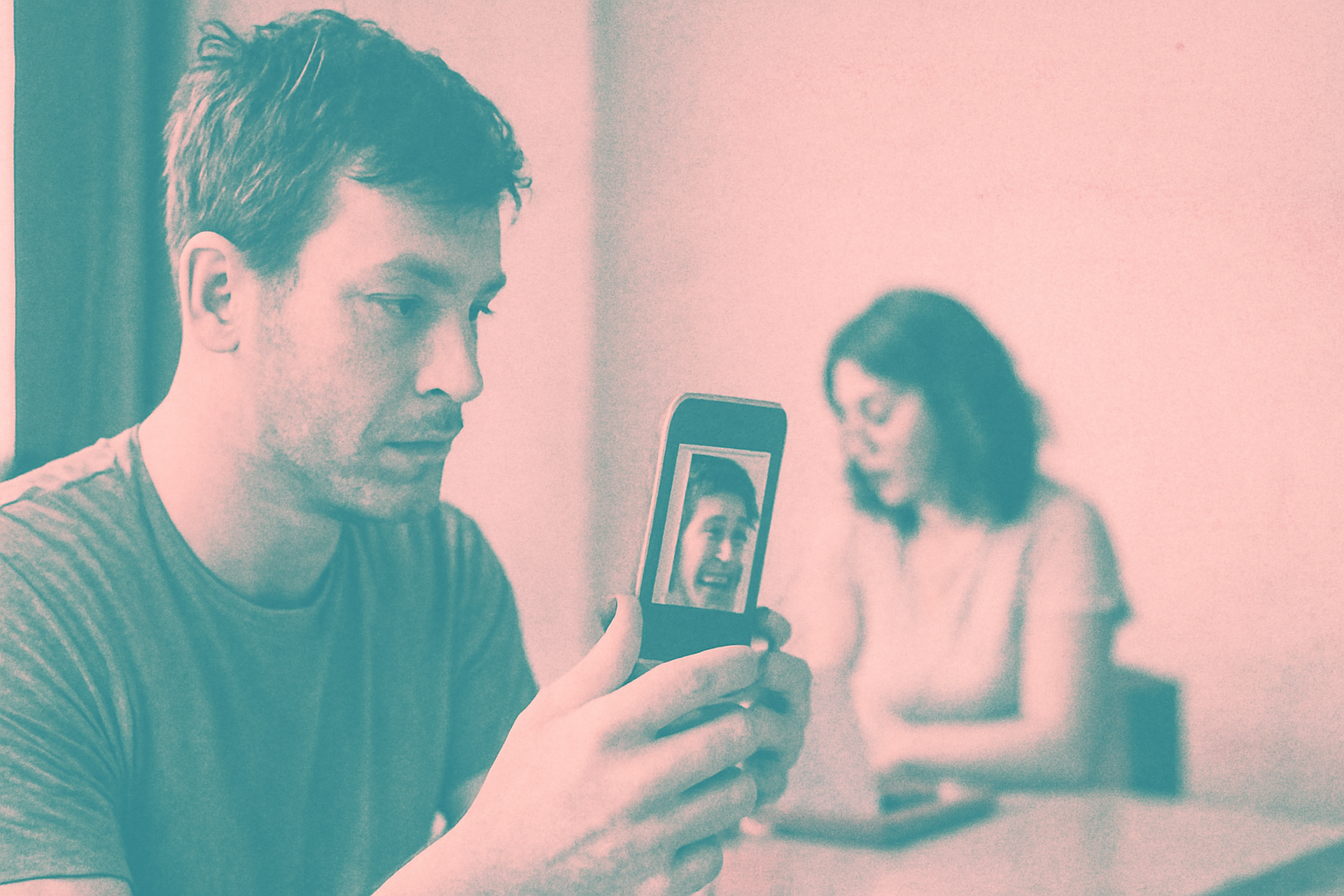
Google Business Profile live video verification suspension is a growing point of friction for local operators who believe a successful agent interview guarantees a live listing. Last updated January 2025, user reports indicate that profiles are frequently meeting all physical requirements during a live call only to be disabled by automated systems moments later.
This phenomenon highlights a significant architectural disconnect within Google’s infrastructure. While a live agent serves as a witness to physical assets, a secondary, invisible layer of algorithmic scrutiny evaluates the account’s digital footprint. For a 12-location HVAC operator or a solo practitioner, this lack of synchronicity can lead to weeks of downtime despite following every instruction provided by support. When that HVAC operator attempts to verify their twelfth branch, they may show the agent their branded van, tools, and a lease agreement, only to find the listing 'Disabled' for policy violations the second the call disconnects.
Why do profiles get suspended after human approval?
The primary cause of this issue is the separation between the verification team and the Trust and Safety department. The agent on a video call is tasked solely with confirming three things: the physical location, the existence of tools or inventory, and the owner’s access to the management dashboard. They are not, however, checking for broader policy violations such as name spamming or deceptive category selection.
Once the agent marks the verification as successful, the profile enters a state of high-intensity algorithmic scanning. If the system detects that the business address is a co-working space that prohibits signage, or if the user's primary Google account has a history of rejected edits, the automation will override the human agent’s decision. This differs from previous years when human approval was generally the final word in the onboarding process. Previously, a human agent's 'Verified' badge was a shield; now, it is merely a gate that opens into a deeper automated vetting room.
The conflict between physical evidence and digital signals
We observe that Google is increasingly prioritizing 'signals of intent' over physical proof. For example, a dental practice in Leeds may show a live agent their surgery, their signage, and their business license during a call. If that same practice has a website with a low domain authority or uses a phone number previously associated with a suspended account, the system triggers a Google Business Profile live video verification suspension regardless of the agent's sign-off.
This creates a paradoxical situation where the business is 'verified' but 'not public.' The human agent has validated the physical reality, but the machine has flagged the digital entity as a risk. Unlike Yelp or Bing Places, where human review is often the final hurdle, Google’s process utilizes the human agent merely as a data point for an ongoing machine-learning assessment. The machine is looking for patterns—such as the IP address of the manager's device or the proximity of other suspended businesses—that a live agent is not trained to detect.
How to fix GBP suspension after video call
When the system flags a profile immediately following a call, the recovery process requires more than just re-verifying the location. Knowing how to fix GBP suspension after video call events involves identifying the specific policy trigger that the automated system caught, which the agent ignored. For the 12-location HVAC operator, this might mean auditing the 'User' permissions on the dashboard to ensure no managers have 'Owner' status on other suspended profiles.
We recommend waiting 24 hours before filing an appeal to allow the system to fully process the suspension reason. During this window, operators should gather high-resolution photos of their utility bills and tax registrations. When submitting the appeal, it is critical to mention the successful video verification date and the agent's name if known. This creates a conflict between the human record and the automated flag, which often forces a manual review by a senior specialist who can override the automated trigger.
Preventing common triggers for immediate suspension
To avoid a Google Business Profile live video verification suspension, operators must ensure their digital presence is as clean as their physical storefront. The most common triggers involve discrepancies between the GBP dashboard and official government filings. If a business name includes keywords that do not appear on the exterior signage shown during the video call, the automated system will flag the profile for 'deceptive content' within minutes of the call ending.
Furthermore, the hardware used for the call matters. Using a device that has previously managed multiple suspended profiles can associate the new listing with a 'bad actor' cluster. We recommend using a clean device and a dedicated email account that has no history of policy violations to perform the verification. Even the Wi-Fi network matters; using a VPN or a public hotspot during the video call can lead to an instant flag for 'suspicious activity' due to the masked IP address.
What this means for local businesses
Navigating the gap between human verification and algorithmic trust requires a proactive approach. Business owners should treat the video call not as the final step, but as the beginning of a cooling-off period where the profile is most vulnerable.
- Audit your digital footprint before the call. Ensure your business name, address, and phone number (NAP) are identical across your website, Secretary of State filings, and the GBP dashboard.
- Clear the cache and use a clean account. Perform the verification using a Google account with a clean history and avoid using public Wi-Fi during the live video session to prevent IP-based flags.
- Document the agent interaction. Note the time of the call and the agent's name. If a suspension occurs, this information is vital for the subsequent appeal process to prove that physical requirements were met.
- Avoid immediate edits. Do not change your business hours, description, or service areas for at least 72 hours after the video call is completed, as post-verification edits are a high-risk signal for automation.
FAQ
Why did my business get suspended right after the agent said I was verified? Verification and Policy Enforcement are two different systems. The live agent only confirms you are at the physical location and have access to the premises. Once the agent clicks 'Verify,' Google's automated Trust and Safety algorithms scan the account for non-physical violations, such as 'keyword stuffing' in the business name or associations with previously banned accounts. If the algorithm finds a match, it triggers an immediate suspension regardless of the agent's verbal approval.
Does a successful video call help my appeal if I get suspended? Yes, but it is not an automatic fix. When you file an appeal through the Google Business Profile appeals tool, you should explicitly state that you completed a live video verification on a specific date. This provides the manual reviewer with evidence that the physical existence of the business has already been vetted by a colleague, making it easier for them to focus on resolving the digital flags that triggered the automated suspension.
Can I use a recording instead of a live video call? Google offers both asynchronous video uploads and live video calls. While video uploads are more common, live calls are often triggered for high-risk categories like locksmiths or plumbers. If you are given the option for a live call, we recommend taking it as it allows you to answer agent questions in real-time, which can be helpful if your business setup is non-traditional, such as a home-based business with a branded vehicle.
How long should I wait to edit my profile after verification? We recommend waiting at least 72 hours before making any changes to your core business information. Editing your business name, primary category, or address immediately after a successful video verification is one of the most common triggers for a 'suspicious activity' suspension. The system views rapid changes following verification as a sign that the user was 'behaving' for the agent but intends to spam the map once approved.
Sources
Frequently asked questions
- Why did my business get suspended right after the agent said I was verified?
- Verification and Policy Enforcement are two different systems. The live agent only confirms you are at the physical location and have access to the premises. Once the agent clicks 'Verify,' Google's automated Trust and Safety algorithms scan the account for non-physical violations, such as 'keyword stuffing' in the business name or associations with previously banned accounts. If the algorithm finds a match, it triggers an immediate suspension regardless of the agent's verbal approval.
- Does a successful video call help my appeal if I get suspended?
- Yes, but it is not an automatic fix. When you file an appeal through the Google Business Profile appeals tool, you should explicitly state that you completed a live video verification on a specific date. This provides the manual reviewer with evidence that the physical existence of the business has already been vetted by a colleague, making it easier for them to focus on resolving the digital flags that triggered the automated suspension.
- Can I use a recording instead of a live video call?
- Google offers both asynchronous video uploads and live video calls. While video uploads are more common, live calls are often triggered for high-risk categories like locksmiths or plumbers. If you are given the option for a live call, we recommend taking it as it allows you to answer agent questions in real-time, which can be helpful if your business setup is non-traditional, such as a home-based business with a branded vehicle.
- How long should I wait to edit my profile after verification?
- We recommend waiting at least 72 hours before making any changes to your core business information. Editing your business name, primary category, or address immediately after a successful video verification is one of the most common triggers for a 'suspicious activity' suspension. The system views rapid changes following verification as a sign that the user was 'behaving' for the agent but intends to spam the map once approved.
Follow us in Google
See Map Observer first in Top Stories
Google lets you choose the publications you want to see more of. Pick Map Observer and our local search reporting is surfaced higher in Top Stories — and badged as preferred in AI Overviews and AI Mode — whenever you search.
Related reading