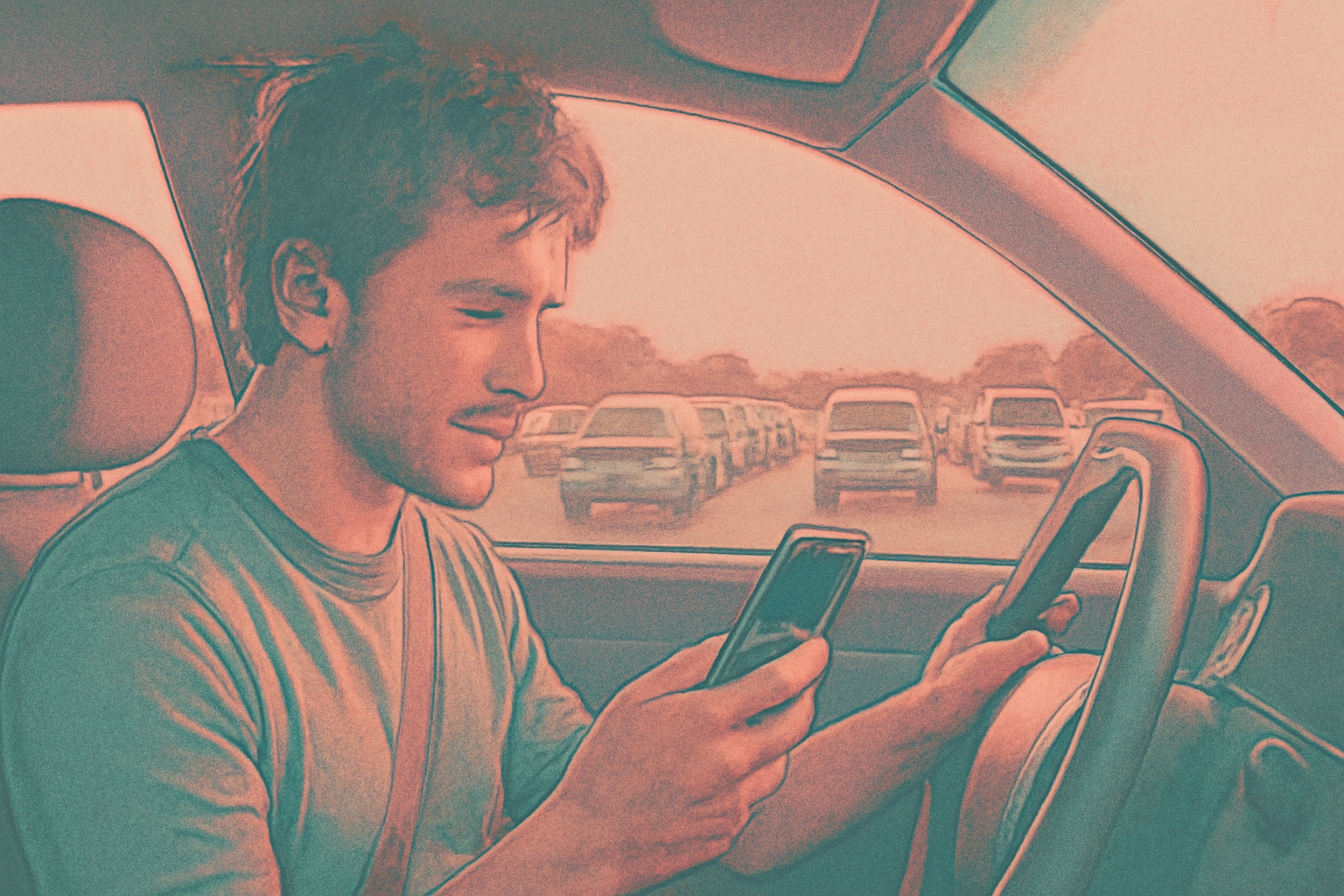
Google Maps Bug Breaks Saved Places and Recent History on Android Auto
A recurring sync failure is preventing users from accessing saved pins and search history, disrupting local discovery and routine commutes.
A persistent Google Maps Android Auto bug is currently preventing motorists from accessing their personal search history and saved locations through in-car displays. Last updated on November 8, 2024, reports indicate that while data remains visible on mobile devices, the synchronized experience within the vehicle cabin is frequently failing, leaving users unable to quickly tap for routine destinations. We observe that this breakdown in data continuity represents more than a minor inconvenience for the average commuter; it creates a significant barrier for businesses that rely on repeat foot traffic driven by saved digital pins.
For local businesses, the "Saved" list serves as a critical retention tool. When a user bookmarks a dental practice in Leeds or a specialized repair shop for future visits, they expect that pin to be available the moment they start their engine. A failure in this synchronization layer effectively severs the link between mobile discovery and physical arrival. We have observed that when these digital breadcrumbs vanish, the likelihood of a user diverting to a more accessible competitor increases significantly.
Why is the Google Maps Android Auto bug occurring?
The root cause of the sync failure appears to be a server-side discrepancy rather than a specific software version conflict. Some users have reported that their saved pins disappeared and reappeared without any manual updates to the application. This volatility suggests that the communication bridge between the cloud-based Google account data and the Android Auto head unit projection is experiencing intermittent timeouts or authentication errors.
Historically, Google Maps has relied on a seamless handoff between devices. Unlike previous iterations where cached data was more robustly stored locally on the phone's subsystem, the current architecture appears heavily dependent on real-time API calls. When these calls fail to populate the "Recent" or "Saved" tabs, the interface simply displays an empty state, forcing users to manually type or voice-search for addresses they have already bookmarked. This shift toward cloud-dependency has made the in-car experience more fragile compared to the legacy standalone GPS units that stored favorites on physical memory.
Android Auto recent places not showing for users
The issue where Android Auto recent places not showing has triggered a wave of reports across community forums. Motorists report that upon launching the interface, the "Recents" tab—which usually houses home, work, and recently searched local businesses—appears entirely blank. This forces a manual re-entry of data, which is not only a frustration but a potential safety distraction.
For a 12-location HVAC operator, the impact of this bug is felt in the customer experience during emergency service calls. If a customer has saved a local branch to their "Home Services" list for quick access, the inability to surface that pin in the car adds friction to the journey. We have seen that users who encounter technical hurdles during the navigation phase are more likely to rely on voice assistants, which may inadvertently surface a competitor's profile if the specific saved brand is not immediately available. The disappearance of recent places effectively resets the user's journey, negating the work the business has done to stay top-of-mind.
Impact on user retention and local discovery
This bug particularly affects "routine" discovery—the transition from a user finding a business on their desktop or mobile device and expecting it to be "just there" when they get in their car. If the data does not sync, the mental load on the driver increases, and the perceived reliability of the business's location data may suffer, even if the business is not at fault. We believe this highlights a vulnerability in the modern marketing funnel: the assumption that a "save" is a permanent conversion.
In the context of local SEO, the "Saved" function is one of the highest signals of intent. When this signal is blocked by the Google Maps Android Auto bug, the local ecosystem suffers. A user might have saved a specific organic grocery store because of its unique inventory; if that store doesn't appear in the car, the user may simply opt for a more prominent supermarket that appears on the general map view, leading to lost revenue for the smaller, saved establishment.
Are other platforms affected by these sync issues?
Currently, the reports are localized to the Android ecosystem. Comparison with Apple CarPlay suggests that while CarPlay users occasionally face UI lag, the specific disappearance of the "Saved" and "Recents" categories is not as prevalent. Google's integration with Android Auto is deeper, which involves more complex data handshakes between the Android Operating System and the Google Maps application.
We have noted that while Apple Maps on CarPlay tends to maintain a consistent local cache of recent destinations, Google Maps on Android Auto seems to prioritize a live sync that, while potentially more accurate for real-time traffic, is clearly more prone to account-level outages. This technical choice by Google means that any hiccup in the Google Account authentication process can lead to a complete wipe of personalized data on the dashboard.
What this means for local businesses
While the resolution of the Google Maps Android Auto bug lies with Google's engineering team, businesses can take proactive steps to ensure their customers can still find them despite these technical hurdles.
- Promote 'Send to Phone' features: Encourage customers in confirmation emails to use the "Send to Phone" feature from their desktop, as this often triggers a persistent notification that survives sync failures.
- Optimize for Voice Search: Since users are forced to use voice commands when their saved lists fail, ensure your Google Business Profile is fully optimized with specific keywords so the Assistant can identify your location accurately.
- Educate on Mobile-to-Dash Handoff: Advise customers that if their saved places are missing in the car, they should start the navigation on their mobile device before plugging into the vehicle.
- Audit Local Citations: Ensure your address is consistent across all platforms, as users frustrated by missing pins may search for you by name on other map services or search engines.
Sources
Frequently asked questions
- Why did my saved places disappear from my car but not my phone?
- This is due to a synchronization error specific to the Android Auto interface. While your phone maintains a local cache of your data, the vehicle's dashboard display relies on a real-time sync with Google's servers. If that connection or authentication fails, the 'Saved' and 'Recent' lists will appear empty in the car even if they are perfectly visible on your smartphone's Google Maps app.
- How can I fix the Google Maps Android Auto bug manually?
- There is currently no permanent manual fix as the issue is server-side. However, users have found success by clearing the cache of the Google Maps and Android Auto apps on their phones. Another effective workaround is to search for your destination and start the navigation on your phone before you plug it into your car; this usually forces the route to show up on the dashboard regardless of the sync status.
- Does this bug affect Apple CarPlay users?
- Current reports suggest this specific bug is isolated to the Android Auto ecosystem. While Apple CarPlay users may experience other navigation glitches, the systematic disappearance of saved and recent locations is a known issue primarily affecting the integration between the Android OS and Google Maps. Apple Maps uses a different caching mechanism that appears less susceptible to this specific type of cloud-sync failure.
- Is Google working on a fix for the missing places bug?
- Google has acknowledged various sync issues within the Android Auto help forums, though a formal timeline for a comprehensive patch has not been publicly released. Because the issue appears to fluctuate without app updates, it is widely believed to be a server-side problem that Google engineers are addressing through backend adjustments rather than a traditional app store update.
Follow us in Google
See Map Observer first in Top Stories
Google lets you choose the publications you want to see more of. Pick Map Observer and our local search reporting is surfaced higher in Top Stories — and badged as preferred in AI Overviews and AI Mode — whenever you search.
Related reading