Protecting Residential Facilities from Google Business Profile Address Fraud
A technical guide for property managers and owners to remove fraudulent 'ghost' listings from physical locations.
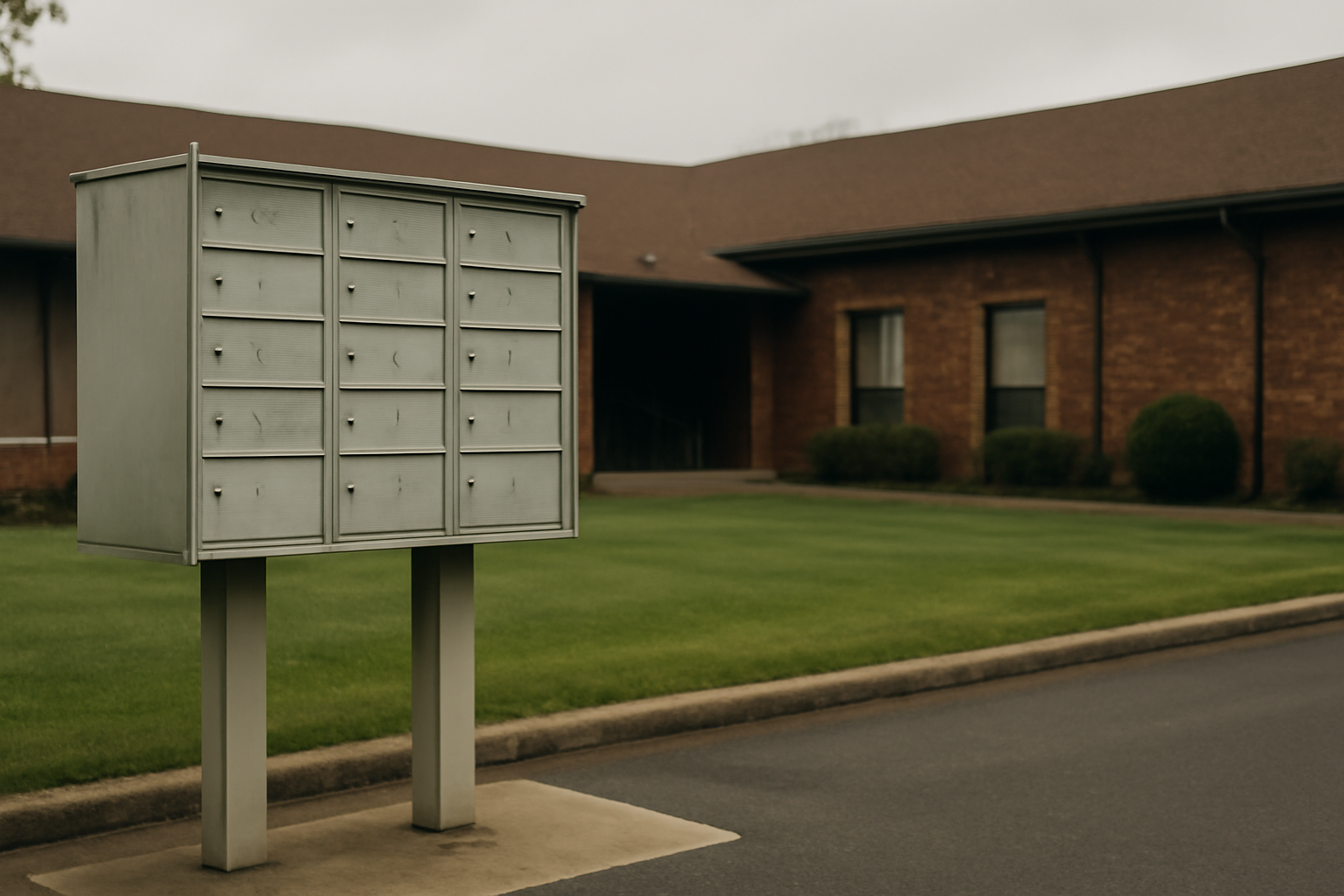
Google Business Profile address fraud occurs when a service-area business (SAB) uses a physical location they do not own or lease to establish a local presence, often as a means to gain proximity advantages in search. This practice, frequently termed 'pin squatting,' involves lead-generation entities or dishonest operators registering their business at a residential facility or private home to bypass verification and gain an unfair ranking advantage in local search results. Last updated January 28, 2025, reports from the Google My Business community on Reddit highlight a growing trend where legitimate residential sites are being overwhelmed by 'ghost' listings that do not exist at that physical location.
For property managers of apartment complexes or residential care facilities, this is more than a technical nuisance. When a fraudulent appliance repair business or locksmith claims a residential address, it can lead to confused customers arriving at the gates, security breaches, and potential liability issues. We have observed that large-scale housing complexes are particularly vulnerable to these tactics as scammers hope their mail-based verification attempts will get lost in the shuffle of high-volume deliveries.
Why do scammers target residential addresses?
The Google Maps algorithm prioritizes proximity to the searcher. A locksmith who lacks a physical storefront but wants to dominate a specific neighborhood may use a residential address to appear 'local.' By choosing a large residential facility or a gated community, they attempt to hide within the high volume of mail and residents, making it harder for Google's automated systems to detect the lack of a commercial sign or dedicated office space.
Before Google implemented stricter video verification, these operators often relied on mail interception or temporary access to a mailbox. While Google has improved its detection of service-area businesses that should be hidden, many fraudulent actors still successfully verify 'brick-and-mortar' pins at locations where they have no legal right to operate. This creates a digital footprint that attracts real-world foot traffic to private residences, compromising the privacy of the actual occupants. Historically, Google allowed service-area businesses to operate with much less scrutiny, but the current environment requires more rigorous proof of physical presence, which scammers circumvent by hijacking existing residential infrastructure.
How can property managers identify pin squatting?
Monitoring your location's digital perimeter is essential for facility security. A 200-unit residential complex in Leeds, for instance, might find that three different 'emergency plumbing' companies are listed as being headquartered in their leasing office or Building A. Similarly, a 12-location HVAC operator might notice a competitor appearing at the exact coordinate of a local retirement home where no commercial office exists.
We recommend a monthly audit of your facility’s coordinates on Google Maps. Search for your address specifically, rather than your facility name, to see all businesses registered at that point. If you see an appliance repair shop, a garage door service, or a moving company that does not pay rent at your facility, you are likely a victim of address fraud. These 'ghost' listings often lack a website or use a generic template site with no local phone number, signaling a lead-generation scam rather than a legitimate local operator. Look for inconsistencies in the street address, such as an 'Office' or 'Suite' number that does not exist in your building's layout.
Combatting Google Business Profile address fraud
When a third party—such as a property manager—needs to remove a fraudulent listing they do not own, the standard 'Suggest an Edit' tool is often insufficient. For persistent or high-volume fraud, we advise using the official Business Redressal Complaint Form. Unlike a public edit, which can be rejected by automated filters, this form is a formal request for Google’s manual review team to investigate a listing for violating the platform's terms of service.
To be successful, you must provide evidence that the business does not operate at your location. This can include photos of your facility's directory, a copy of the official building map, or a statement on company letterhead confirming that the entity in question is not a tenant. Unlike the standard user-facing report, the redressal form allows for a more detailed explanation of how the listing is 'fraudulent, or contains a fake name, address, or phone number.' This is a significant shift from the crowdsourced 'Report a Problem' model of the past, moving toward a more legalistic and evidentiary submission process.
What this means for local businesses
Maintaining the accuracy of your physical location’s digital record is a matter of both SEO and physical security. If your facility's address is associated with multiple fraudulent businesses, Google’s trust in your own legitimate listing may be eroded. We recommend the following steps to purge unauthorized pins:
- Document the Fraud: Take screenshots of the fraudulent listings, noting their names and the specific address details they are using. Note the date and the specific URL of each listing.
- File a Formal Redressal: Use the Business Redressal Complaint Form rather than the 'Suggest an Edit' button for a higher success rate and manual review. Be sure to select 'Fraudulent' as the reason for the report.
- Submit Physical Proof: Upload photos of your building's signage and directory. For a dental practice in Leeds sharing a building with a 'ghost' HVAC company, a photo of the lobby directory showing the dentist as the sole occupant is powerful evidence.
- Engage the Community: If the fraudulent listing has reviews from real customers who were scammed, these can be cited as further proof that the business is not operating legitimately at your site.
- Monitor and Repeat: Fraudulent operators often attempt to re-verify under a slightly different name once a listing is removed; quarterly audits are necessary for high-risk locations.
Is your facility being used as a lead-gen hub?
In many cases, the entity listed at your address is not a local business at all, but a 'lead-gen' hub. These companies collect calls from Google Maps and sell those leads to actual contractors who may be located miles away. This differs from how Google previously handled SABs, where businesses were encouraged to hide their addresses. Today, the platform struggles to balance the transparency of a physical location with the privacy of residential areas.
For a legitimate business owner, seeing a competitor pop up at a residential address they know to be a private apartment complex is an opportunity to clean up the local search landscape. By reporting these listings, legitimate businesses help ensure that the Google Maps ecosystem remains competitive and grounded in reality, rather than being dominated by those who successfully game the verification system. We believe that professional vigilance is the only way to counteract the scale of automated lead-generation fraud currently targeting residential zones.
Sources
Frequently asked questions
- What is the difference between a 'Suggest an Edit' report and a Redressal Form?
- A 'Suggest an Edit' report is a public, crowdsourced tool that is often processed by Google's automated algorithms and can be easily rejected. In contrast, the Business Redressal Complaint Form is a formal submission designed for reporting fraudulent activity or malicious intent. It allows for the submission of detailed evidence, such as building directories and legal statements, which triggers a manual review by Google’s specialized team. For complex issues like residential address hijacking, the redressal form is significantly more reliable.
- Why would a business want to list their address at my residential building?
- Google Maps uses proximity to the searcher as a primary ranking factor. Scammers or lead-generation companies use 'pin squatting' to establish a presence in specific high-value neighborhoods without paying for commercial space. By registering at a large residential complex, they appear to be a local 'brick-and-mortar' business, which helps them outrank legitimate service-area businesses that correctly hide their addresses. This can result in higher call volumes for the scammer, which they then sell as leads to other contractors.
- Does reporting a fake business at my address affect my own Google listing?
- Generally, reporting fraudulent listings at your address will not negatively impact your own legitimate Google Business Profile. In fact, keeping your address clean of 'ghost' listings can help preserve the integrity of your location data in Google's database. If your address is associated with a high volume of spam or fraudulent activity, it could potentially trigger automated flags; therefore, proactively removing unauthorized businesses helps maintain a 'clean' digital footprint for your property.
- What kind of evidence should I provide to Google to prove a business is fake?
- To successfully remove a fraudulent listing, you must demonstrate that the business has no physical presence or legal right to operate at your address. Strong evidence includes photographs of the building's exterior signage, images of the internal directory showing the absence of the business, and official floor plans. You may also provide a signed letter on company letterhead stating that the entity is not a tenant and has no authorization to use the address for business registration.
Follow us in Google
See Map Observer first in Top Stories
Google lets you choose the publications you want to see more of. Pick Map Observer and our local search reporting is surfaced higher in Top Stories — and badged as preferred in AI Overviews and AI Mode — whenever you search.
Related reading