Solving the 'No More Ways to Verify' Loop in Google Business Profile
How to navigate the dead-end error message when automated verification fails for service area and hybrid businesses.

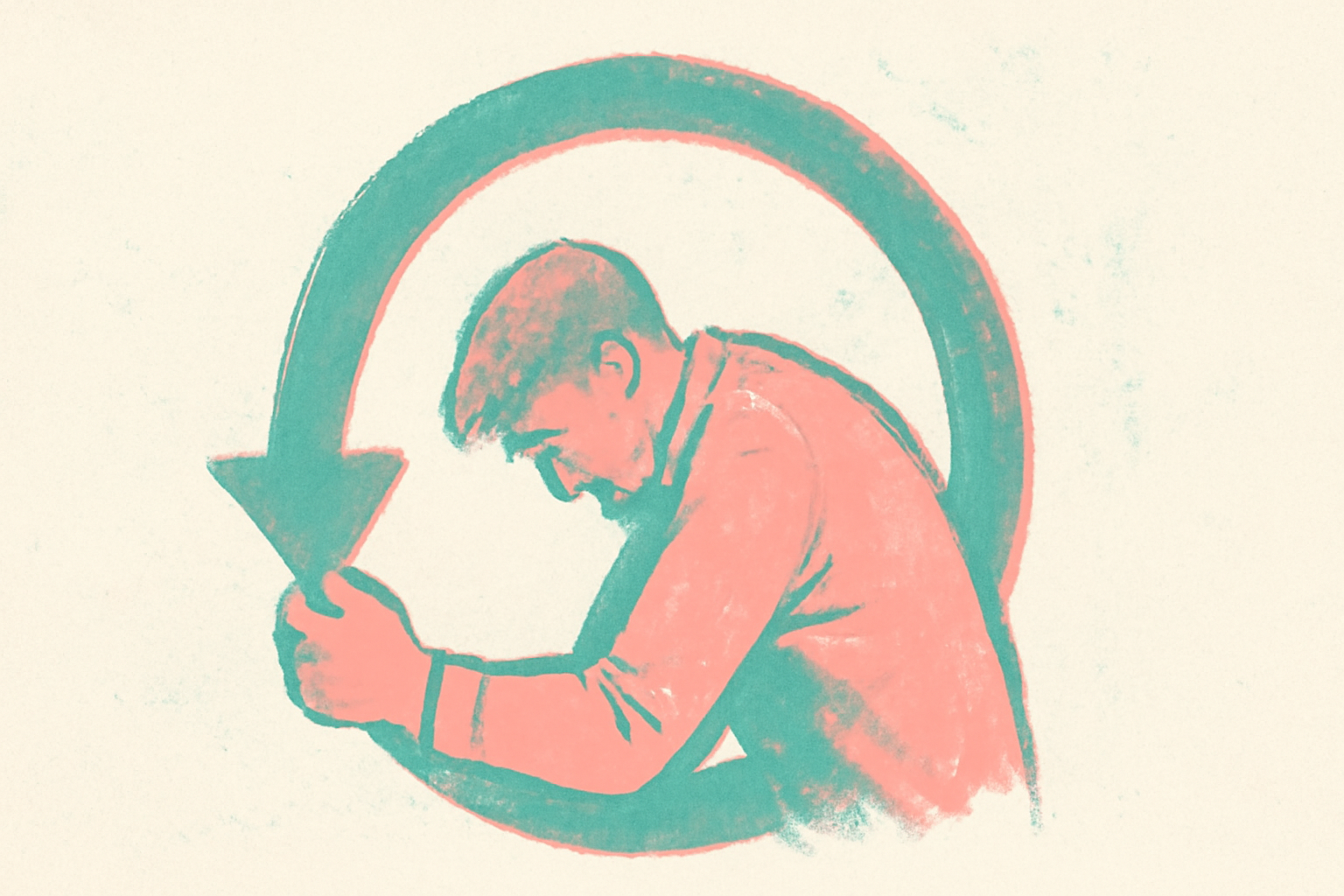
Encountering GBP verification issues can bring local SEO efforts to a standstill, particularly when the system presents the dreaded "No more ways to verify" message. This error represents a terminal state in the automated verification workflow, signaling that Google’s self-service tools have exhausted all available methods—typically phone, email, and video—without successfully confirming the business's legitimacy.
Last updated on July 20, 2026, a case study from the Local Search Forum highlighted a recurring frustration for hybrid contractors. In this instance, a business that had been verified for years was suddenly triggered for re-verification. Despite providing multiple videos showing branded vehicles, office equipment, and permanent signage on a glass entrance, the merchant was locked out of the system after three failed attempts. This scenario is increasingly common as Google tightens its fraud detection algorithms, often at the expense of legitimate operators.
Why does the 'No more ways to verify' loop occur?
This dead-end usually occurs when Google's automated systems detect a mismatch between the business category and the physical evidence provided. For example, a dental practice in Leeds with a clear storefront typically passes video verification easily. However, a 12-location HVAC operator or a hybrid contractor who uses a home office alongside a storage bay often triggers red flags.
When a merchant attempts video verification, Google’s AI looks for specific markers: street signs, nearby landmarks, and interior equipment that proves the business exists at the stated location. If the video quality is poor or if the business model is a Service Area Business (SAB) that lacks traditional "customer-facing" retail space, the system may reject the evidence. Once the maximum number of attempts is reached, the interface removes all self-service options, leaving the user with no clear path forward.
How to fix GBP verification issues when the UI is locked
When the dashboard no longer offers options, the resolution shifts from automated workflows to manual support. Previously, merchants could simply request a new postcard; now, the system frequently skips the postcard option entirely in favor of video-only verification. To break the loop, you must initiate a manual review through the Google Business Profile Help Center.
For a contractor or a service-based business, the key is documentation that bypasses the need for a video. If the video was rejected because it didn't show enough "permanent" signage, you must provide secondary proof of existence. This includes business licenses, tax registrations, and utility bills. A common hurdle here is that many small operators have utility bills in a personal name rather than the business name. In these cases, Google typically requires the formal business formation documents to bridge the gap.
Does the business model impact verification success?
The transition between a Service Area Business and a hybrid model is a frequent source of friction. A hybrid business is defined as one that has a physical office where customers are met, while also serving customers at their own locations. According to experts at the Local Search Forum, a hybrid business can display its address publicly only if it possesses permanent, prominent signage.
If a business lacks this—perhaps only having a small logo on a glass door—Google may default to rejecting the location as a storefront. In the case study mentioned, the merchant attempted to switch the profile to an SAB to avoid the office verification requirement, but the system remained locked. This highlights that changing business details during a verification crisis rarely resets the attempt counter and can sometimes trigger additional fraud flags.
What this means for local businesses
If you are managing a profile that has hit a verification wall, we recommend a disciplined escalation strategy rather than repeated, identical attempts.
- Audit your physical evidence: Before the third attempt, ensure your video starts outside the building, captures a street sign, shows a branded vehicle, and then moves seamlessly into the workspace. Any cuts in the video will result in an automatic rejection.
- Gather non-digital proof: Prepare a PDF packet containing your Business Registration, a scan of a utility bill (even if it is in the owner's name, provided the address matches), and photos of branded equipment or tools.
- Engage the GBP Help Forum: If standard support tickets return only AI-generated responses, the Google Business Profile Community Forum is the next tier. Product Experts there can sometimes escalate cases that have become stuck in a loop.
- Avoid category hopping: Do not change your business from a storefront to an SAB mid-verification to "bypass" a requirement, as this often leads to a suspension for "deceptive content or behavior."
Sources
Frequently asked questions
- Why did my Google Business Profile video verification fail?
- Video verifications often fail due to 'breaks' in the footage or lack of sufficient evidence. Google requires a continuous, unedited shot that proves three things: your current location (via street signs or landmarks), your business existence (via branded equipment or signage), and your authorization to manage it (via opening a locked door or accessing a point-of-sale system). If your business is a home-based SAB, failing to show tools of the trade or a branded vehicle can result in a rejection.
- What documents do I need for a manual GBP verification?
- If you are stuck in a loop, Google typically requests two types of documents. First, an official business registration or license that shows the business name and address. Second, a utility bill, insurance policy, or bank statement. If the utility bill is in the owner's name, you should provide the business registration alongside it to prove the connection between the individual and the entity at that specific address.
- Can I change my address to fix a verification loop?
- Changing your address while a verification is pending or failed is highly discouraged. This is often viewed by Google's automated systems as a 'bait and switch' tactic used by spammers. Instead of changing details, focus on providing evidence for the existing data or wait until the support team instructs you to make specific edits during a manual review process.
Follow us in Google
See Map Observer first in Top Stories
Google lets you choose the publications you want to see more of. Pick Map Observer and our local search reporting is surfaced higher in Top Stories — and badged as preferred in AI Overviews and AI Mode — whenever you search.
Related reading