GBP Storm Management: Communicating Closures During Severe Weather
How to handle Google Business Profile updates during Storm Austen and Storm Boelo to maintain customer trust and safety.
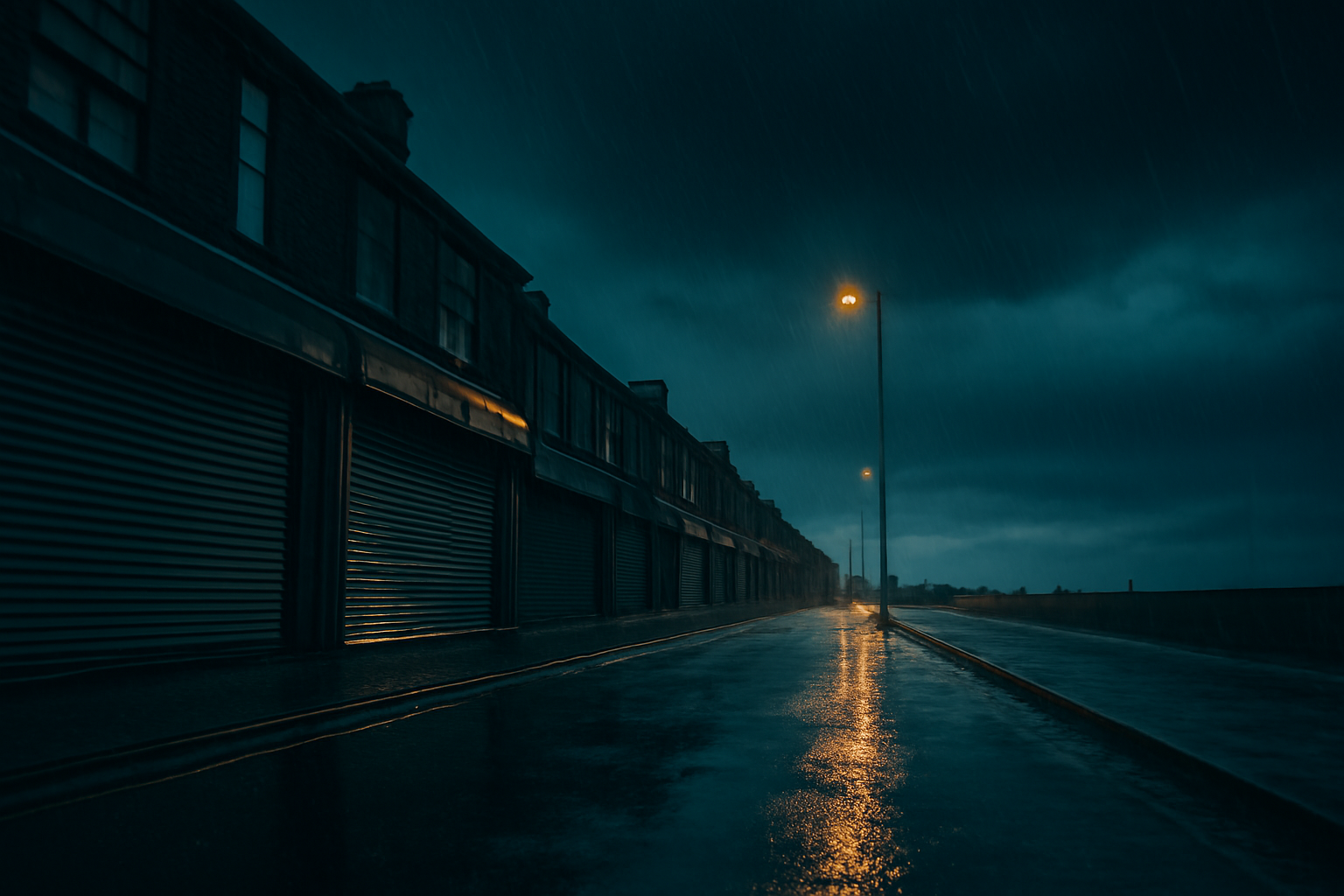
Effective GBP storm management prevents local customers from traveling through hazardous conditions to find a locked door during severe weather.
As Storm Austen approaches with amber wind warnings for south-west England and Storm Boelo follows closely behind, local businesses face more than just physical risks. Last updated on October 21, 2026, the Met Office warned of potential "danger to life" conditions, power cuts, and travel disruption across the UK. For operators of physical locations, failure to signal closures or service changes on Google can result in customers navigating flying debris and flooded roads only to arrive at a shuttered storefront.
We recommend a proactive approach to localized profile management that prioritizes accurate, real-time data over automated defaults. When a business fails to update its hours during a disaster, it risks permanent damage to its reputation and local search authority. If a user relies on your Google listing and finds it inaccurate during an emergency, the resulting negative review often carries significant weight with both the platform and future customers.
Should you use 'Temporarily Closed' or 'Special Hours'?
Choosing the right status is critical for maintaining visibility. A dental practice in Leeds facing localized flooding should avoid using the "Temporarily Closed" toggle if they only intend to shut for 48 hours. Using the "Temporarily Closed" status can sometimes suppress a listing's rankings in local packs because Google interprets it as a long-term cessation of operations.
Instead, use the "Special Hours" feature. This allows you to specify exact dates—such as the Friday and Saturday impacted by Storm Austen—without affecting your primary operating schedule. Unlike a full closure, Special Hours signal to Google that the business is still active but observant of temporary external conditions. This maintains your SEO equity while providing the precise information a user needs when searching for your services in the middle of a weather event.
Comparison: In previous years, businesses often relied on their website's homepage banner to communicate weather delays. Today, Google Business Profiles receive significantly more high-intent traffic than localized subpages. If a customer sees your profile says "Open" but your website says "Closed due to snow," the conflicting data creates friction. Google is now the primary source of truth for local operational status, and "Special Hours" are the mechanism for maintaining that truth without harming long-term rankings.
Best practices for GBP storm management during amber warnings
When the Met Office issues an amber warning, as they have for Cornwall, Devon, and Plymouth, the risk of power outages and road closures increases significantly. For a 12-location HVAC operator, managing these updates at scale requires a centralized strategy rather than individual branch decisions.
We advise against simply changing your primary hours. If you modify your standard hours, you may forget to revert them once the storm passes, leading to weeks of incorrect data. By using the "Add Update" post feature in conjunction with Special Hours, you can provide context. A post titled "Safety Update: Storm Austen" can explain that while the physical office is closed due to wind risks, emergency phone lines remain open. This distinguishes your business from competitors who may simply appear "Closed" without further explanation.
For businesses with multiple storefronts, such as a regional bakery chain with 20 locations across the South West, the impact of Storm Austen may be uneven. Some locations might lose power while others remain functional. In this scenario, bulk-editing Special Hours via the Google Business Profile Manager API or a third-party tool is essential to ensure that a customer doesn't drive to a darkened bakery in Exmouth while the Exeter branch remains open. Consistency across all digital touchpoints—Google, Bing, and Apple Maps—is vital during high-stress weather events.
How to update Google Business Profile for weather and service delays
Storm Boelo is expected to bring rain, wind, and snow to Scotland and Northern Ireland. For service-area businesses (SABs) that do not have a physical storefront, such as a plumbing firm or a landscaping company, the challenge is communicating delays rather than closures. If your technicians cannot safely reach clients due to "flying debris" or "closed roads and bridges," your Google Business Profile should reflect this reality immediately.
Learning how to update Google Business Profile for weather involves more than just toggling hours. For SABs, we suggest updating the "Service Area" or adding a specific update post regarding travel limitations. If your team is grounded due to Storm Boelo's snow warnings, an Update post can explicitly state: "Due to heavy snow and road closures in the Highlands, our emergency plumbing services are currently restricted to a 5-mile radius of Inverness."
This level of specificity reduces the volume of frustrated phone calls from customers who fall outside the reachable zone. It also demonstrates to Google that your business is highly active and responsive to local conditions, which can be a positive signal for local relevance. A 12-location HVAC operator should also consider updating their "Attributes" if the storm impacts specific services—for example, marking "Emergency Services" as available if the physical showroom is closed.
Why is localized communication faster than website updates?
The speed of Storm Austen's progression means that traditional IT-led website updates might be too slow for the average consumer. A medical clinic in Plymouth might find that its web team takes 24 hours to post a banner, while an office manager can update the Google Business Profile in minutes via the mobile app. In a crisis, the "Local Pack" is the first thing a user sees on a mobile device.
If the Met Office issues a "danger to life" warning, the priority is keeping people off the roads. By marking your business as closed on Google, you contribute to public safety efforts. We have observed that businesses that actively manage these profiles during crises see higher customer retention rates post-storm, as they are viewed as reliable sources of community information.
What this means for local businesses
To ensure your business remains helpful rather than a source of frustration during the current weather warnings, we suggest following this protocol:
- Set Special Hours immediately: Do not wait for the storm to hit. If an amber warning is active, set your Special Hours for the predicted duration of the impact.
- Publish a dedicated Update post: Use the Update post type to explicitly mention Storm Austen or Storm Boelo by name. This shows customers that your profile is being actively managed and the information is current.
- Update your Business Description: For multi-day disruptions, add a brief note at the top of your business description regarding service availability or safety protocols.
- Monitor Q&A activity: Customers often use the Q&A section to ask if a business is open during emergencies. Assign a staff member to monitor these notifications via the Google Maps app.
- Revert and Review: Once the Met Office clears the area and transport links are restored, verify that your Special Hours have expired and post a follow-up Update stating that normal operations have resumed.
Frequently Asked Questions
Will marking my business as temporarily closed hurt my SEO?
Yes, frequently using the "Temporarily Closed" toggle can negatively impact your local search rankings. Google's algorithm may view this status as a signal that the business is no longer a viable result for immediate needs, often pushing the listing down in the Local Pack. For short-term weather events like Storm Austen, it is significantly better to use "Special Hours" or "Closed" for specific dates. This preserves your ranking while providing users with the accurate information they need during the storm.
How do I handle emergency services if my showroom is closed?
For businesses like HVAC contractors or plumbers, the physical office might be closed due to safety risks, but emergency services may still be operational. In this case, do not mark the business as closed. Instead, keep your regular hours but post a prominent Google Update (formerly Google Post) titled "Storm Update." Clearly state that the showroom is closed for walk-ins but your emergency dispatch line is open. You can also temporarily adjust your business description to highlight emergency availability.
How quickly do Special Hours show up on Google Maps?
Typically, updates made to Special Hours appear on Google Maps and Search almost instantaneously, though it can occasionally take up to an hour for the change to propagate globally across all Google interfaces. Because of this slight delay, we recommend making these changes as soon as a Met Office amber or red warning is issued. This ensures that by the time customers begin checking for closures, the correct information is already live and visible on your profile.
Should I mention the specific storm name in my profile updates?
We highly recommend mentioning the specific storm name, such as "Storm Austen" or "Storm Boelo," in your Google Updates. This serves as a "freshness signal" to both Google and your customers. It proves that the closure isn't an old, forgotten setting from a previous event, but a considered response to current conditions. It also helps with local relevance, as many users will be searching for terms related to the storm and your town simultaneously.
Sources
Frequently asked questions
- Will marking my business as temporarily closed hurt my SEO?
- Yes, frequently using the "Temporarily Closed" toggle can negatively impact your local search rankings. Google's algorithm may view this status as a signal that the business is no longer a viable result for immediate needs, often pushing the listing down in the Local Pack. For short-term weather events like Storm Austen, it is significantly better to use "Special Hours" or "Closed" for specific dates. This preserves your ranking while providing users with the accurate information they need during the storm.
- How do I handle emergency services if my showroom is closed?
- For businesses like HVAC contractors or plumbers, the physical office might be closed due to safety risks, but emergency services may still be operational. In this case, do not mark the business as closed. Instead, keep your regular hours but post a prominent Google Update (formerly Google Post) titled "Storm Update." Clearly state that the showroom is closed for walk-ins but your emergency dispatch line is open. You can also temporarily adjust your business description to highlight emergency availability.
- How quickly do Special Hours show up on Google Maps?
- Typically, updates made to Special Hours appear on Google Maps and Search almost instantaneously, though it can occasionally take up to an hour for the change to propagate globally across all Google interfaces. Because of this slight delay, we recommend making these changes as soon as a Met Office amber or red warning is issued. This ensures that by the time customers begin checking for closures, the correct information is already live and visible on your profile.
- Should I mention the specific storm name in my profile updates?
- We highly recommend mentioning the specific storm name, such as "Storm Austen" or "Storm Boelo," in your Google Updates. This serves as a "freshness signal" to both Google and your customers. It proves that the closure isn't an old, forgotten setting from a previous event, but a considered response to current conditions. It also helps with local relevance, as many users will be searching for terms related to the storm and your town simultaneously.
Follow us in Google
See Map Observer first in Top Stories
Google lets you choose the publications you want to see more of. Pick Map Observer and our local search reporting is surfaced higher in Top Stories — and badged as preferred in AI Overviews and AI Mode — whenever you search.
Related reading

Microsoft Clarity Agentic Analytics: Measuring AI-Driven Bookings