Mitigating the Damage of Google's 'Temporarily Closed' Logic for Local Profiles
How to identify automated status flags and maintain profile integrity without triggering visibility loss.
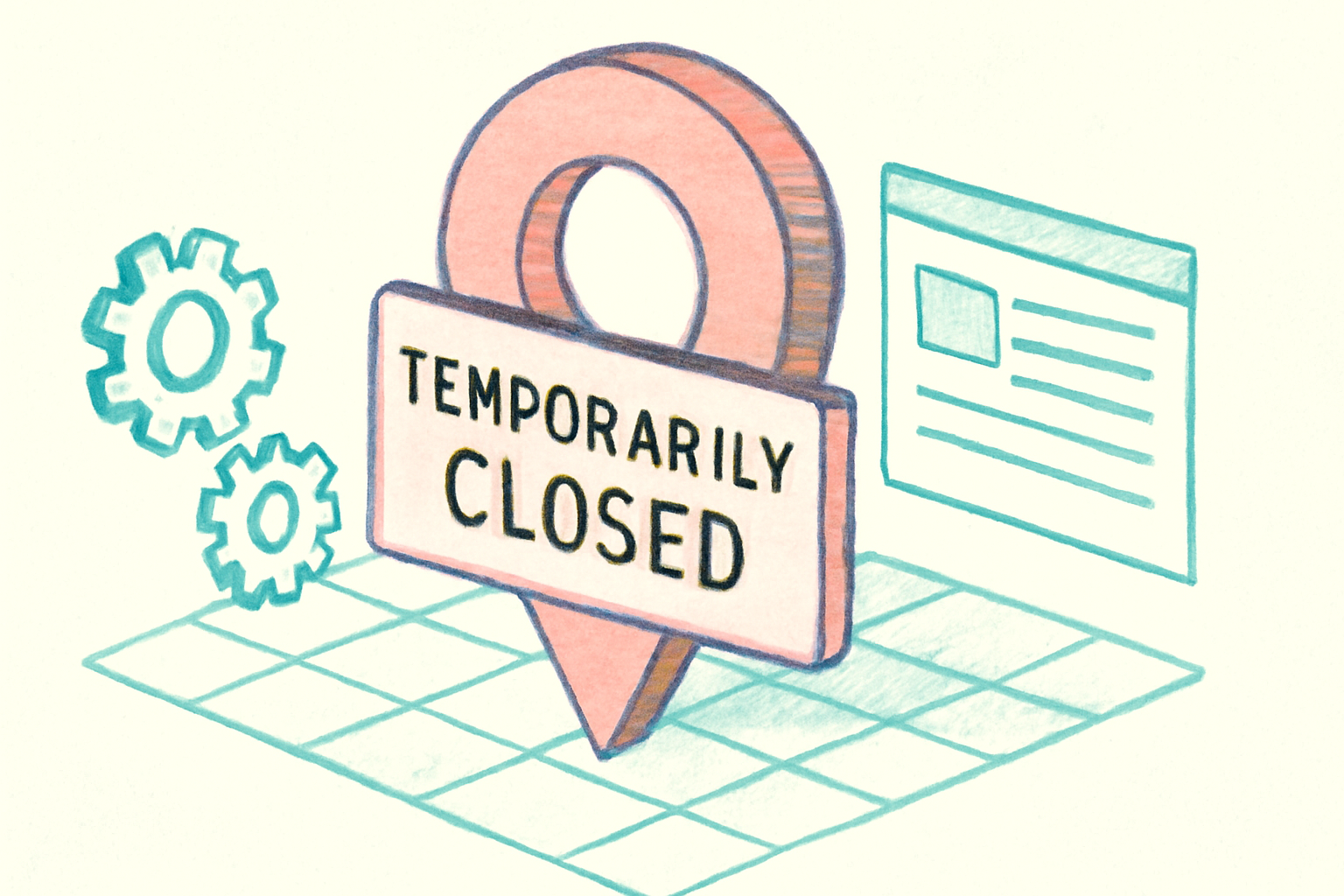
Maintaining the accuracy of a business's operational status is a fundamental pillar of local SEO. However, a common frustration for many operators is the sudden appearance of a red status banner on their listing. In an analysis of the GBP temporarily closed status, Joy Hawkins of Sterling Sky (last updated July 30, 2026) highlights that Google often triggers this label through automated logic rather than direct owner input.
While the label is designed for businesses undergoing seasonal breaks or major renovations, the system's reliance on third-party data and AI scraping frequently results in false positives. For a dental practice in Leeds or a 12-location HVAC operator, this automated inaccuracy can lead to immediate drops in appointment bookings and customer phone calls, even if the business is fully operational.
Why is my Google Business Profile showing as temporarily closed?
The transition to a closed status is rarely a random occurrence; it is usually the result of a "consensus" reached by Google’s algorithms. Google constantly cross-references the data on a Business Profile against other digital signals. If a business's website mentions a "summer break" or if a Facebook page has outdated hours, the AI may proactively update the Google listing to match what it perceives as the most current information.
User-suggested edits are another primary driver. Local Guides or even competitors can suggest that a business is closed. If Google’s system lacks strong evidence to the contrary, or if the business owner has been inactive in the dashboard, these crowdsourced edits can be published automatically. We have observed that businesses with irregular hours or those that fail to utilize "Special Hours" during public holidays are at a higher risk of these automated status shifts.
The impact of the GBP temporarily closed status on performance
There is a critical distinction between how a temporary closure affects search visibility versus how it affects user behavior. Unlike a "Permanently Closed" status, which effectively de-indexes the profile from most relevant local queries, a temporarily closed listing generally maintains its ranking position in the Local Pack. The algorithm recognizes the entity is still valid, just currently unavailable.
However, the conversion impact is severe. Most users who see a red banner indicating a business is closed will not click to call or visit the website. This creates a "visibility without conversion" trap. Furthermore, this status does not automatically synchronize with Google Ads. An HVAC operator might continue to spend budget on Local Services Ads while their organic profile tells potential leads the business is unavailable, leading to wasted ad spend and a poor user experience.
Managing status integrity for multi-location operators
For a 12-location HVAC operator, managing these flags requires a proactive monitoring system. Because Google does not always send an email notification when an automated status change occurs, operators must regularly audit their dashboard. Before these tools existed, a business would have to manually check each search result; now, the primary defense is a clean data ecosystem.
To prevent the system from triggering a closure, ensure that your "Special Hours" are set at least two weeks in advance for every holiday. Google's AI is less likely to trust a user-suggested edit if the owner has recently confirmed their schedule. If you are actually closing for a renovation, avoid the temptation to set a "Future Opening Date" in the dashboard unless it is a brand-new location. Adding a future date to an existing profile can sometimes hide the profile and its accumulated reviews from search results entirely until that date arrives.
How to remove the temporarily closed label efficiently
If you find your profile has been incorrectly flagged, the resolution process is usually straightforward but requires immediate action. The most direct method is using the "Mark as Open" toggle within the Google Business Profile manager. If this option is missing, you may need to navigate to the "Actions" menu or, in persistent cases, suggest an edit on Google Maps as a user to override the system's logic.
In scenarios where the automated system keeps reverting the status to closed, the issue usually lies in a third-party data source. Check your Google Merchant Center feeds, Yelp profiles, and official website footers. If Google's crawler keeps finding a "closed" signal on your site, it will continue to overwrite your manual corrections on the Business Profile.
What this means for local businesses
To protect your profile from automated status errors, we recommend the following tactical steps:
- Audit Third-Party Data: Ensure your operating hours are identical across your website, social media, and major directories to prevent conflicting signals from triggering Google's AI.
- Use Special Hours, Not Closures: For short-term breaks (less than two weeks), always use the "Special Hours" feature rather than the "Temporarily Closed" toggle.
- Monitor the Dashboard Weekly: Do not rely on email notifications. Check the status of your profiles regularly to catch and revert automated edits before they impact your weekly conversion metrics.
- Review Linked Merchant Feeds: If you use Google Merchant Center, verify that your store-level availability settings are not broadcasting a closed status to your GBP.
Frequently asked questions
- Does being temporarily closed affect my local SEO ranking?
- Current evidence suggests that a 'Temporarily Closed' label does not significantly lower your ranking in local search results compared to a 'Permanently Closed' status. However, while you may still appear in the Local Pack, your click-through rate and conversions will likely drop sharply because users assume you cannot fulfill their needs immediately.
- Can I still get reviews while my profile is marked as temporarily closed?
- Yes. Unlike profiles marked as 'Permanently Closed,' listings with a 'Temporarily Closed' status remain eligible to receive new customer reviews and ratings. This allows businesses to maintain their reputation and engagement even during a renovation or seasonal break.
- Why does Google keep changing my status back to closed?
- This is usually caused by 'data conflict.' Google's algorithm may be finding information on your website, a social media page, or a third-party directory (like Yelp or TripAdvisor) that suggests you are closed. Until that external source is updated to match your Google Business Profile, the AI may continue to override your manual changes.
Follow us in Google
See Map Observer first in Top Stories
Google lets you choose the publications you want to see more of. Pick Map Observer and our local search reporting is surfaced higher in Top Stories — and badged as preferred in AI Overviews and AI Mode — whenever you search.
Related reading