Google Reintroduces Centralized Dashboard with New 'Business Home' Beta
Analysis of the retreat from Search-based management and the debut of the Creative Lab for multi-location operators.
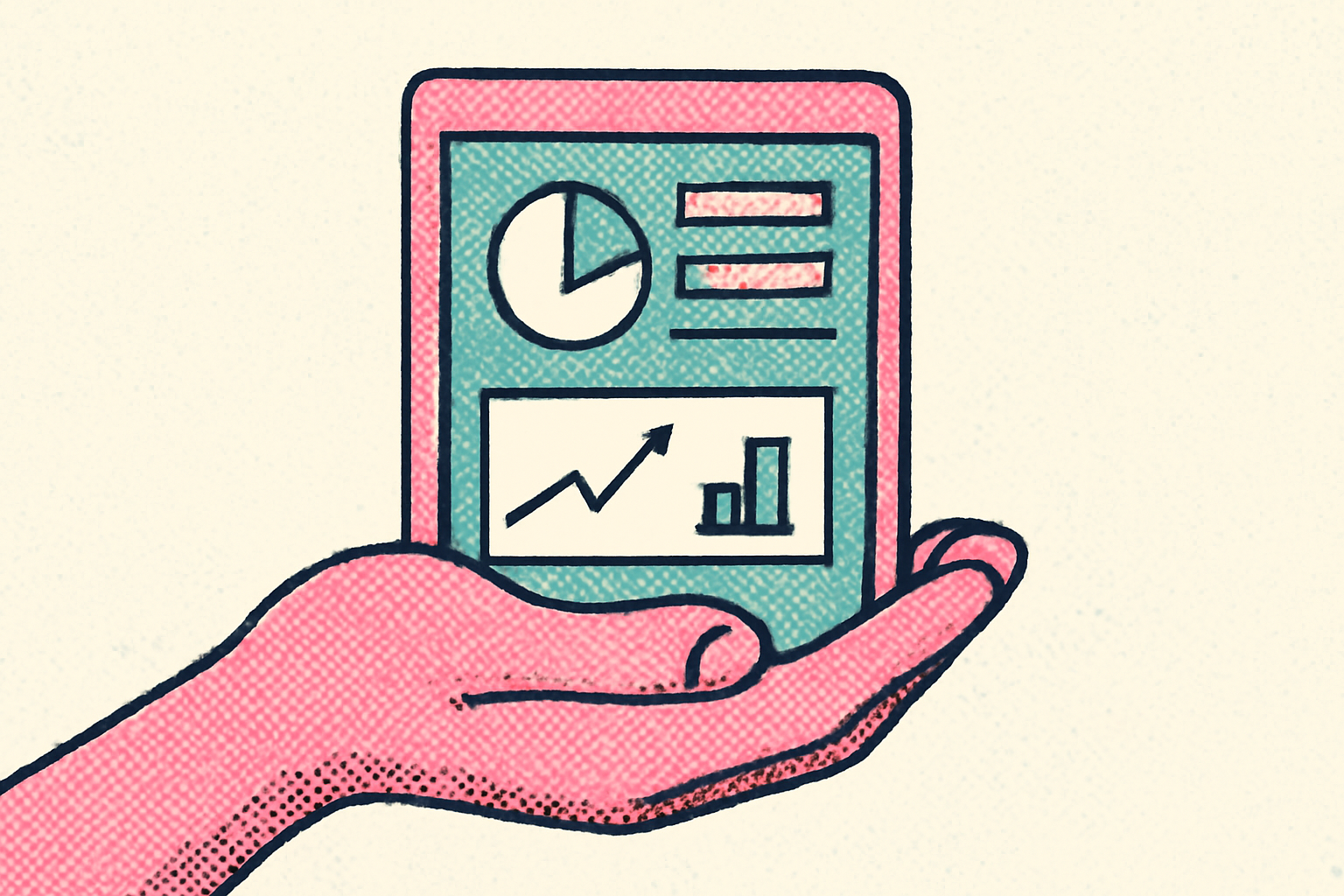
Google Business Home is the latest beta interface designed to centralize local business management across Google’s ecosystem. Last updated on October 22, 2024, by Barry Schwartz, the rollout appears to signal a significant pivot in Google’s long-term strategy for local SEO and business operations. The move represents a departure from the recent push to force all business edits into the standard search results page, offering instead a dedicated portal for administrative tasks.
For the past several years, Google has pushed users toward managing their presence directly within the Search and Maps interfaces—an approach often criticized by power users for being fragmented and inefficient for those managing more than one storefront. The emergence of this new dashboard suggests that the "manage in search" model may have reached its practical limits for businesses that require more than basic data entry. By creating a unified hub, Google is acknowledging the friction created by forcing professional operators to use consumer-facing tools for backend data management.
Understanding the Google Business Home interface
This new experience serves as a unified hub, bringing together Google Business Profiles, Merchant Center, YouTube, and Google Ads into a single pane of glass. Rather than toggling between disparate browser tabs, a 12-location HVAC operator or a regional dental practice in Leeds can now access insights and creative tools from one interface. The dashboard includes sections for post-performance, review management, and a dedicated "Creative Lab" for asset production.
The interface is structured to prioritize active management over passive monitoring. Within the dashboard, users see a primary navigation menu that includes 'Home', 'Locations', 'Creative Lab', and 'Insights'. This architecture suggests a move away from the basic data entry of the previous New Merchant Experience (NMX) toward an environment where content creation and brand consistency are central to the user experience. According to technical documentation, the beta aims to help businesses turn customer insights into actionable steps, implying that Google wants to reduce the time between data analysis and profile updates.
Does this signal a retreat from the 'manage in search' model?
When Google deprecated the old Google My Business dashboard in favor of the NMX, it forced operators to search for their own business names to make edits. While this worked for a single-location coffee shop, it proved cumbersome for agencies managing dozens of accounts. Navigating through multiple search result pages to update hours or respond to reviews led to significant workflow bottlenecks.
We view the introduction of Business Home as an admission that professional operators need professional tools. Managing local data within a consumer-facing search result is inherently limited. The new portal restores the sense of a "back-office" that many felt was lost when the original dashboard was sidelined. This shift brings Google more in line with the centralized management structures found on platforms like Meta Business Suite, where professional tools are decoupled from the user-facing social feed.
Furthermore, the search-based editing model often suffered from latency issues and inconsistent UI overlays. By returning to a standalone dashboard environment, Google provides a more stable foundation for advanced features that would be too cluttered to implement directly on a Search Engine Results Page (SERP). This transition suggests a recognition that simplicity for the novice user should not come at the expense of functionality for the power user.
Streamlining content with Creative Lab and Brand Kits
One of the most notable additions within the beta is the "Creative Lab." This section appears to be a direct response to the friction local businesses face when trying to maintain a consistent visual identity. For a multi-location agency, the ability to store brand assets in a centralized "Brand Kit" and deploy them across multiple Google surfaces—from Posts to YouTube—is a major efficiency gain.
Consider a regional franchise group with 50 locations; previously, updating a seasonal promotional banner meant manual uploads or using third-party API tools for every individual profile. With the Brand Kit functionality, a marketing manager can theoretically house verified logos, color palettes, and hero images in a single repository. This reduces the risk of "brand drift," where older locations might still display legacy branding while newer stores show updated assets.
Historically, local content production has been siloed. Photos uploaded to a Business Profile were not easily shared with Merchant Center product listings or Ads campaigns. The new structure suggests a more integrated data flow, allowing a single creative asset to be leveraged across the entire Google ecosystem with significantly less manual effort. For a boutique hotel group, this means a high-quality video produced for a YouTube campaign can be more easily repurposed for a Google Business Profile update or a localized ad unit.
How does Google Business Home compare to the old dashboard?
For those who remember the legacy Google My Business (GMB) dashboard, Business Home feels like a modernized successor rather than a simple restoration. While the old GMB dashboard focused heavily on core data fields like phone numbers and categories, Business Home is clearly built for the modern "Social-Local-Mobile" era. It places much higher emphasis on visual content and cross-platform integration.
Unlike the NMX, which felt like a set of overlays on top of a search result, Business Home provides a dedicated environment for deep-diving into analytics. The comparison is stark: in the NMX, viewing performance metrics often required several clicks into a pop-up window that obscured the rest of the profile. In Business Home, insights are presented in a full-screen layout, allowing for a side-by-side comparison of different metrics, such as how increased post frequency in the Creative Lab correlates with higher call volumes.
What this means for local businesses
- Centralized Asset Management: Use the new Brand Kit to ensure logos and imagery are consistent across Maps, YouTube, and Ads. This reduces the risk of outdated branding appearing in search results and ensures that your brand identity remains cohesive regardless of where a customer interacts with your business.
- Consolidated Reporting and Analytics: Monitor performance metrics from multiple channels in one view. By seeing YouTube engagement alongside Google Business Profile views, businesses can better understand the full customer journey and how different Google touchpoints influence local foot traffic.
- Efficiency for Multi-location Operators: Transition away from individual search-based edits to the unified "Locations" screen. For businesses like a multi-city HVAC operator, this allows for faster monitoring of reviews across all territories, ensuring that no customer feedback is missed due to the complexity of the interface.
- Integrated Workflow with Merchant Center: For retailers, the integration of Merchant Center into the main dashboard means product inventory and local profile management are no longer separate tasks. This encourages more frequent updates to local inventory, which is a known driver for "nearby" search intent.
- Early Access Readiness: Keep an eye on the primary admin email for a beta invite. Google appears to be rolling this out to selected power users and agencies first. Being an early adopter allows you to provide feedback and potentially shape the final features of the platform before it reaches general availability.
FAQ
Is Google Business Home replacing the Search-based editing tool? Currently, Google Business Home is in a beta phase and exists alongside the existing 'manage in search' and Maps interfaces. While Google has not officially announced the deprecation of search-based editing, the introduction of this dashboard suggests a shift in preference for power users. It is likely that for the foreseeable future, both methods will coexist: search-based edits for small, single-location owners who need quick updates, and Business Home for agencies and multi-location operators who require more robust management tools and creative controls.
What are the main features of the Creative Lab in Business Home? The Creative Lab is a dedicated workspace within the dashboard designed to simplify asset management and content creation. Its primary feature is the Brand Kit, which allows businesses to upload and store verified assets like logos, fonts, and specific brand imagery. These assets can then be deployed across different Google surfaces, such as Google Posts or YouTube videos, ensuring brand consistency. It essentially acts as a localized digital asset management (DAM) tool, reducing the need for repeated uploads and ensuring that all marketing materials adhere to the business's visual identity.
Which businesses currently have access to the Business Home beta? Access is currently limited to a specific group of beta testers, primarily consisting of high-activity users and multi-location businesses. Google typically rolls out these features to accounts that demonstrate a need for complex management—such as those managing multiple locations or those using a combination of Business Profiles, Ads, and Merchant Center. If you have not received an invitation via email or a notification in your current profile manager, you will likely have to wait for the general rollout, which usually follows a few months of beta testing.
How does Business Home benefit agencies managing multiple clients? Agencies benefit significantly from the consolidated 'Locations' view and the unified creative tools. The 'manage in search' model was particularly painful for agencies, as it required constant switching between accounts and searching for specific business names to trigger the editing UI. Business Home provides a more traditional 'Manager' experience, allowing staff to quickly jump between different business entities and locations without leaving the dashboard. This leads to better operational efficiency and reduced time spent on basic administrative tasks across a diverse client portfolio.
Sources
Frequently asked questions
- Is Google Business Home replacing the Search-based editing tool?
- Currently, Google Business Home is in a beta phase and exists alongside the existing 'manage in search' and Maps interfaces. While Google has not officially announced the deprecation of search-based editing, the introduction of this dashboard suggests a shift in preference for power users. It is likely that for the foreseeable future, both methods will coexist: search-based edits for small, single-location owners who need quick updates, and Business Home for agencies and multi-location operators who require more robust management tools and creative controls.
- What are the main features of the Creative Lab in Business Home?
- The Creative Lab is a dedicated workspace within the dashboard designed to simplify asset management and content creation. Its primary feature is the Brand Kit, which allows businesses to upload and store verified assets like logos, fonts, and specific brand imagery. These assets can then be deployed across different Google surfaces, such as Google Posts or YouTube videos, ensuring brand consistency. It essentially acts as a localized digital asset management (DAM) tool, reducing the need for repeated uploads and ensuring that all marketing materials adhere to the business's visual identity.
- Which businesses currently have access to the Business Home beta?
- Access is currently limited to a specific group of beta testers, primarily consisting of high-activity users and multi-location businesses. Google typically rolls out these features to accounts that demonstrate a need for complex management—such as those managing multiple locations or those using a combination of Business Profiles, Ads, and Merchant Center. If you have not received an invitation via email or a notification in your current profile manager, you will likely have to wait for the general rollout, which usually follows a few months of beta testing.
- How does Business Home benefit agencies managing multiple clients?
- Agencies benefit significantly from the consolidated 'Locations' view and the unified creative tools. The 'manage in search' model was particularly painful for agencies, as it required constant switching between accounts and searching for specific business names to trigger the editing UI. Business Home provides a more traditional 'Manager' experience, allowing staff to quickly jump between different business entities and locations without leaving the dashboard. This leads to better operational efficiency and reduced time spent on basic administrative tasks across a diverse client portfolio.
Follow us in Google
See Map Observer first in Top Stories
Google lets you choose the publications you want to see more of. Pick Map Observer and our local search reporting is surfaced higher in Top Stories — and badged as preferred in AI Overviews and AI Mode — whenever you search.
Related reading